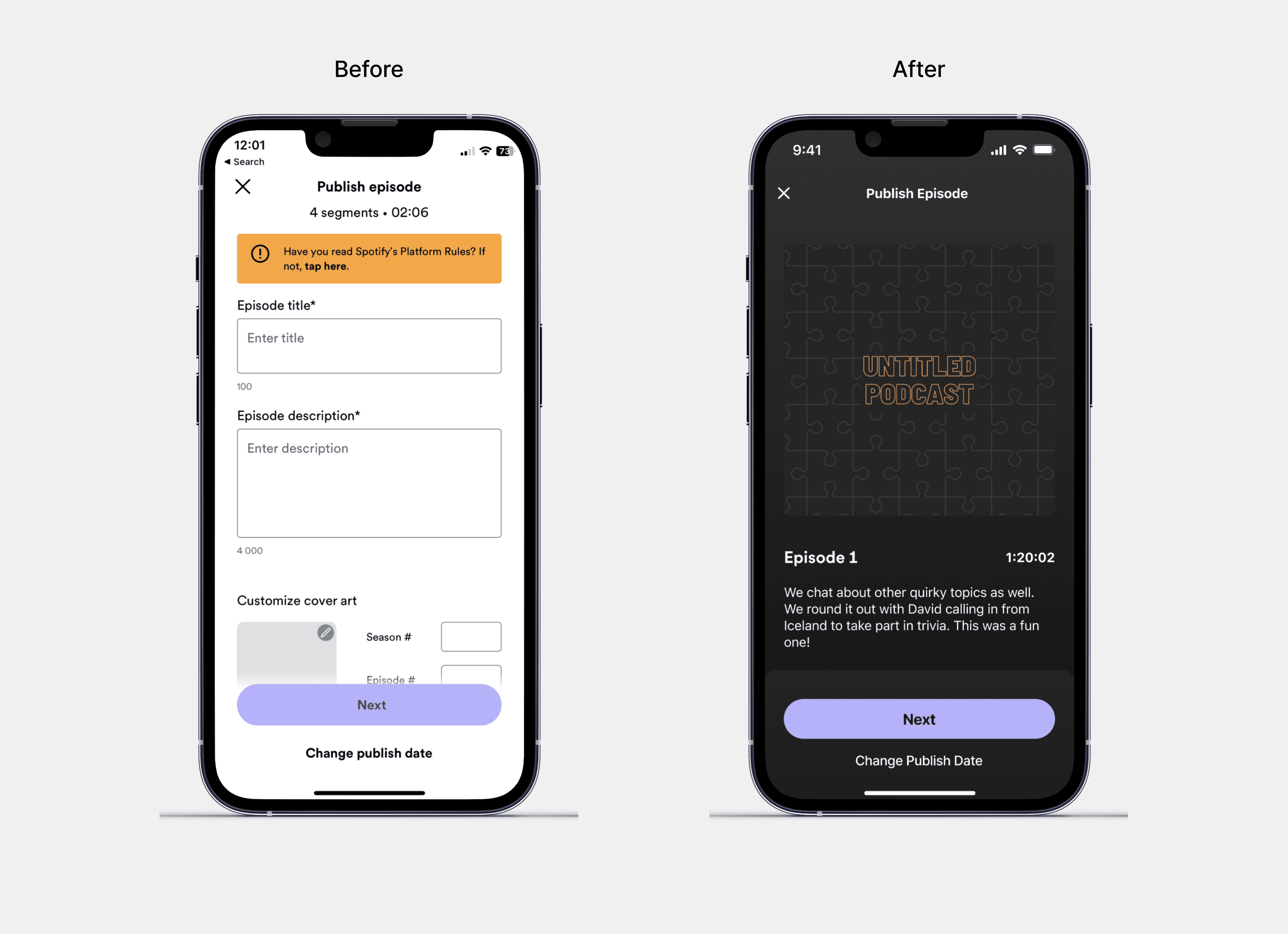
To make the recording process more streamlined, I introduced a concise action bar that contains the essential tools in one place, making it easier for users to have seemless recording experience.
The action bar includes the following actions: invite, Q&A, notes, interludes, and start recording. The "invite" and "interludes" options remain the same, allowing users to invite guests and add interludes to their podcast. However, with the "notes" option, users can now either create show notes or import them from other note apps, making it easier for users to prepare their notes before recording.
The "Q&A" feature allows users to facilitate a question and answer session within the recording screen. This feature helps hosts to directly engage with their audience and guests, making the podcast more interactive and engaging.
To make the recording and editing experience truly revolutionary, we can leverage the power of artificial intelligence (AI) to enhance the user experience.
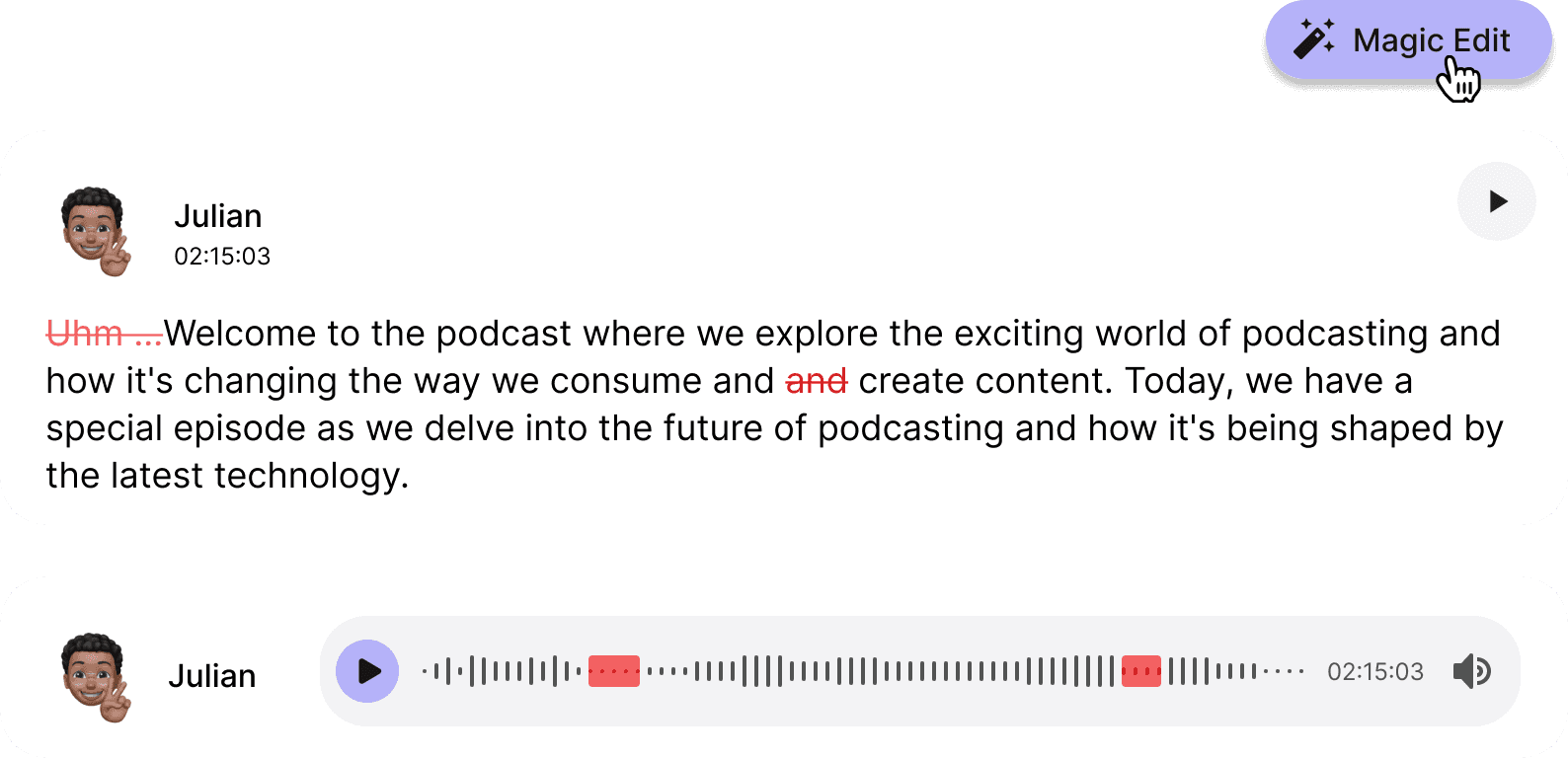
We can also use AI to transcribe the audio, providing a read of the audio that allows users to jump to specific sections without having to navigate confusing waveforms. It also has the added benefit of making it more accessible for users with hearing impairments.
We can go even further using AI it to enhance the audio quality. AI can help clear out background noise and enhance vocals, improving the overall audio quality of the recording. Additionally, AI can be used to filter out unnecessary words like "uhm" and suggest edits to improve the flow of the conversation.
These features not only save time for users, but also improve the quality of the final podcast product. By using AI, we can streamline the editing process and make it easier for users to create high-quality podcasts without the need for expensive editing tools or technical expertise.